Video Store Manager is a personal Unity and C# project about running a small VHS rental shop. It is not a shipped commercial game. It is a working simulation and a technical playground where I can explore architecture, systems design, and automated testing in a runtime where time, scene lifecycle, autonomous agents, user interfaces, and persistence all meet.
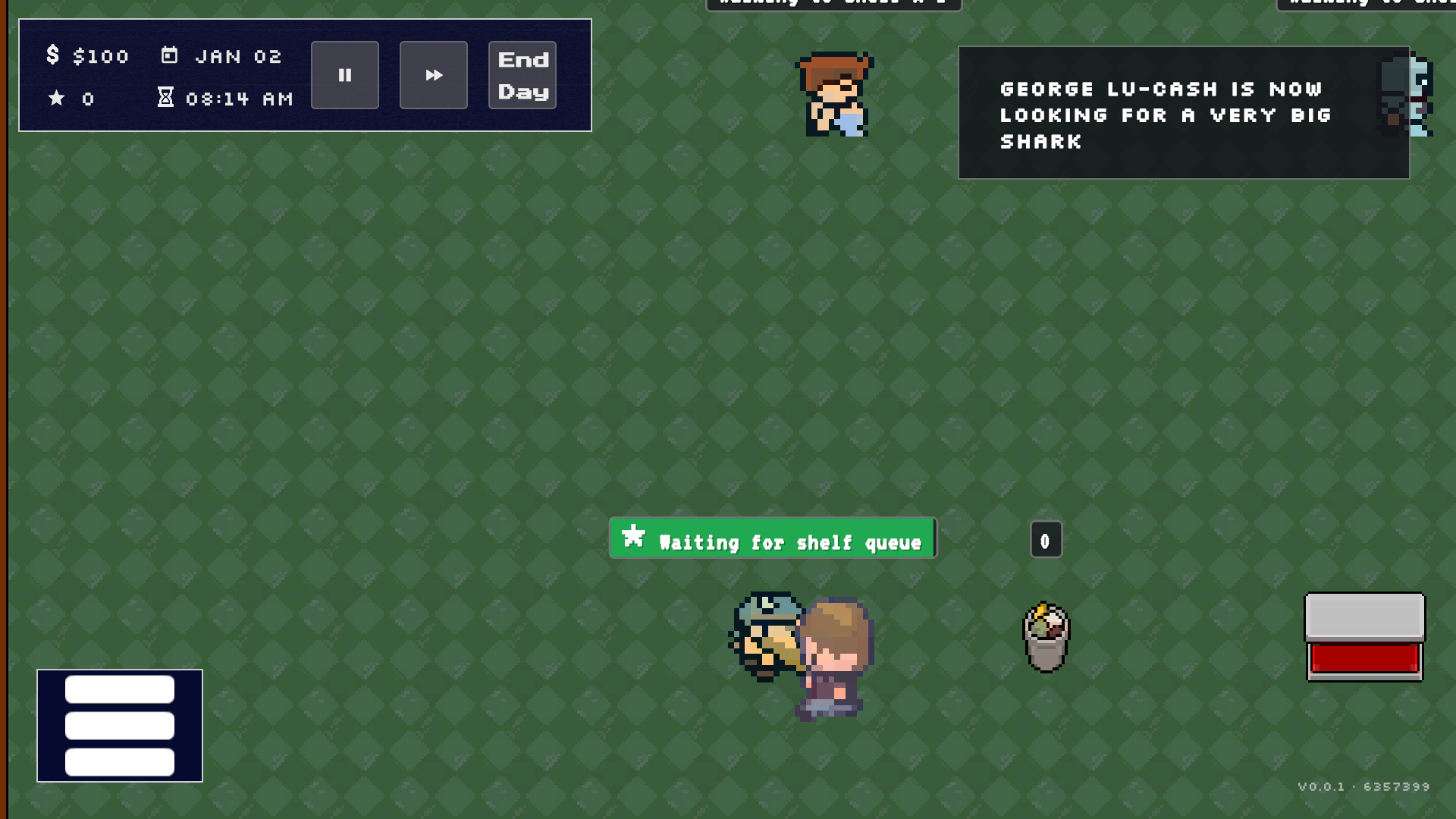
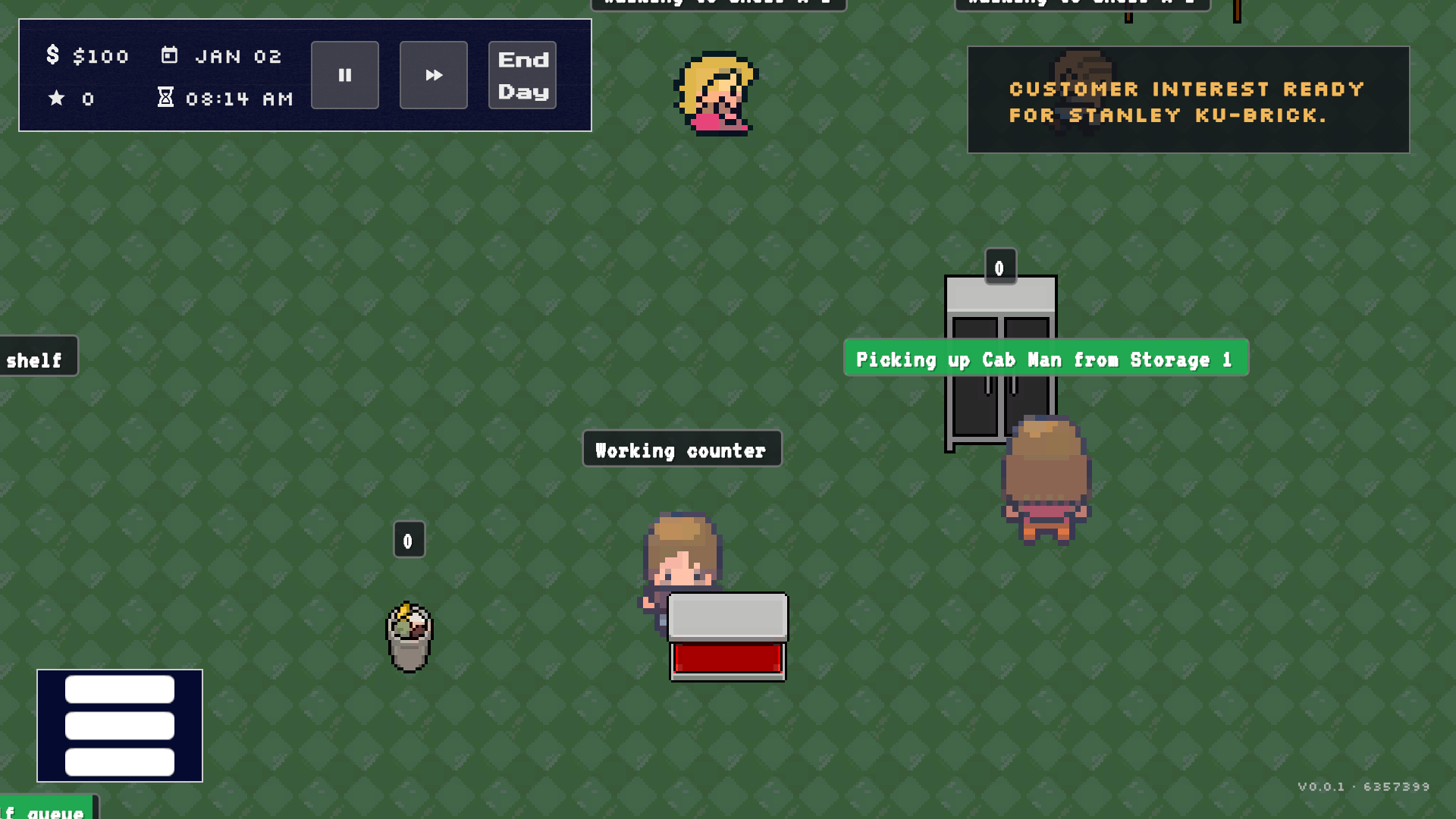
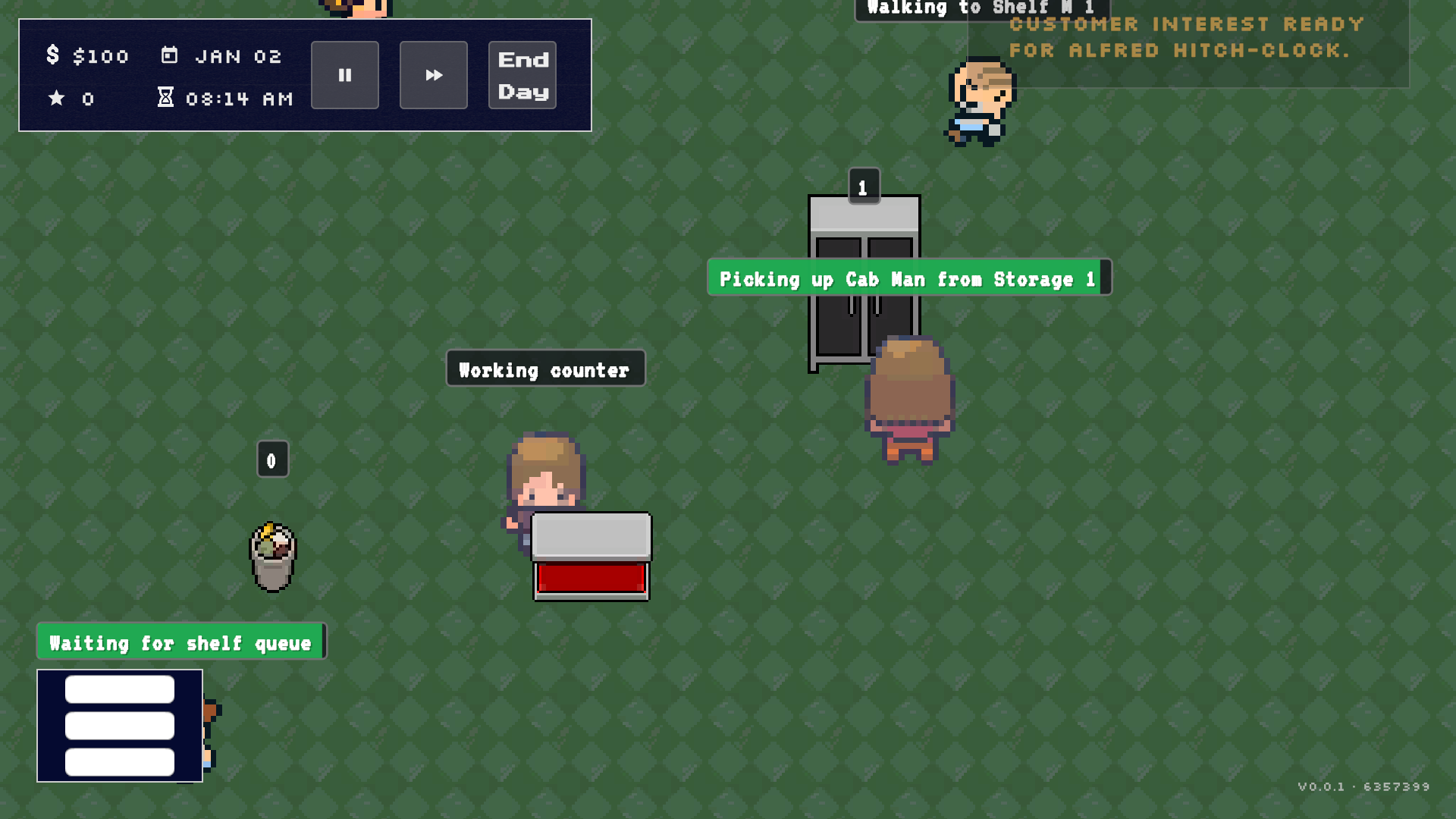
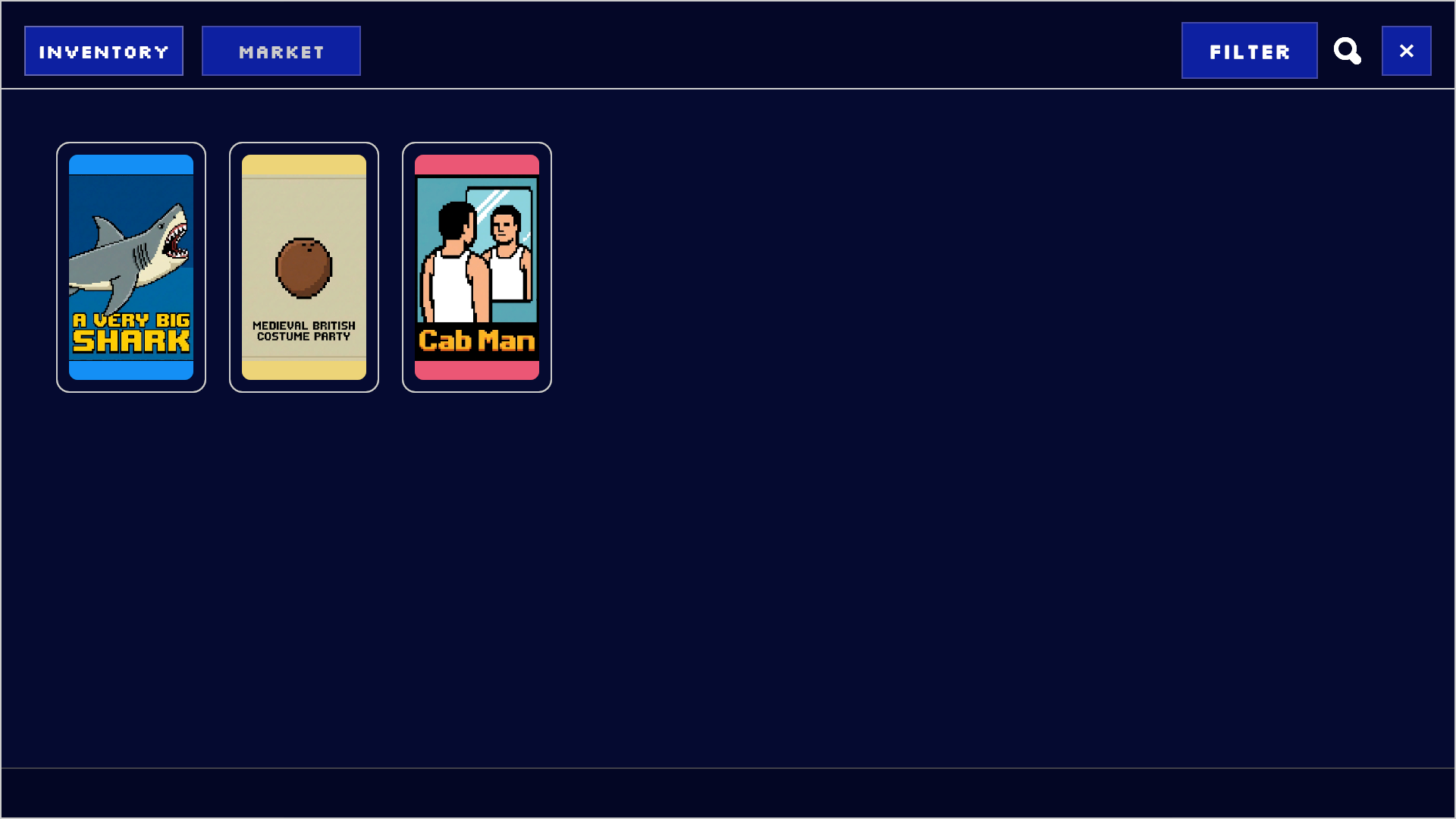
All sprites, UI art, and other graphics currently come from free assets and are considered placeholders. The visual material is there to make the simulation readable while I work on the underlying systems; it is not intended to represent the project’s final art direction.
Why build a simulation?⌗
A management game is a useful architecture exercise because many small systems have to agree about the same world. A customer decision can create a queue, a queue can affect patience, a completed rental can change inventory and finances, and the end of the day has to turn all of those changes into a coherent report.
That makes the project more interesting to me than a collection of isolated Unity features. The goal is not only to make a store look alive. The goal is to make the rules understandable, observable, and replaceable enough that I can keep changing the simulation without turning every feature into a scene-wide integration problem.
The runtime has explicit boundaries⌗
The project separates application-wide state from the state of one store session.
flowchart LR
    Bootstrapper[GameBootstrapper] --> AppContext[ApplicationContext\napplication scope]
    Bootstrapper --> GameContext[GameContext\nsession scope]
    GameContext --> Services[Simulation services\nclock, inventory, agents, finance]
    Services --> Presentation[Unity presentation\ncontrollers and UI]
    Services --> Reports[History and diagnostics]
    Services --> Persistence[Versioned save data]
ApplicationContext owns systems that can live across scenes, such as input, camera, and global UI. GameContext represents one active play session and provides access to inventory, staff, store statistics, time, research, and other session services.
GameBootstrapper decides which kind of scene is starting and composes the required contexts and services in order. Gameplay objects receive the session context they need instead of searching the scene for arbitrary collaborators. The same principle applies to runtime assets: the project prefers configuration, prefab references, and explicit registration over hidden runtime loading.
This is a lightweight composition-root approach rather than a large dependency-injection framework. The important part is the boundary: dependencies should be visible at setup time, missing wiring should fail early, and the simulation should not need to know how the object graph was constructed.
How a store day becomes a simulation⌗
The clock is an explicit service rather than something each system calculates for itself. IClockService owns the relationship between real time, in-game time, pause requests, and the current day. DayCycleManager turns those clock boundaries into gameplay transitions such as overtime, customer resolution, end-of-day cleanup, and the next session.
Customers and employees are driven by separate decision and execution layers. A brain chooses what should happen next; a controller performs the movement and interaction sequence. Customers do not have one permanently fixed goal. They carry typed visit tasks such as renting a movie, getting a snack, returning a title, asking for a recommendation, or waiting for a queue slot.
That task model gives blocked behavior a proper state. A full queue is not just a failed movement request, and a display label is not the source of truth for behavior. A customer can wait explicitly, preserve the task that caused the wait, lose patience while waiting, and either resume the task or leave with a typed reason. Physical movie placement is similarly owned by the inventory service instead of being mutated directly by individual agents.
The result is a loop that can be inspected at several levels:
- The clock advances the session.
- Agents choose and execute work.
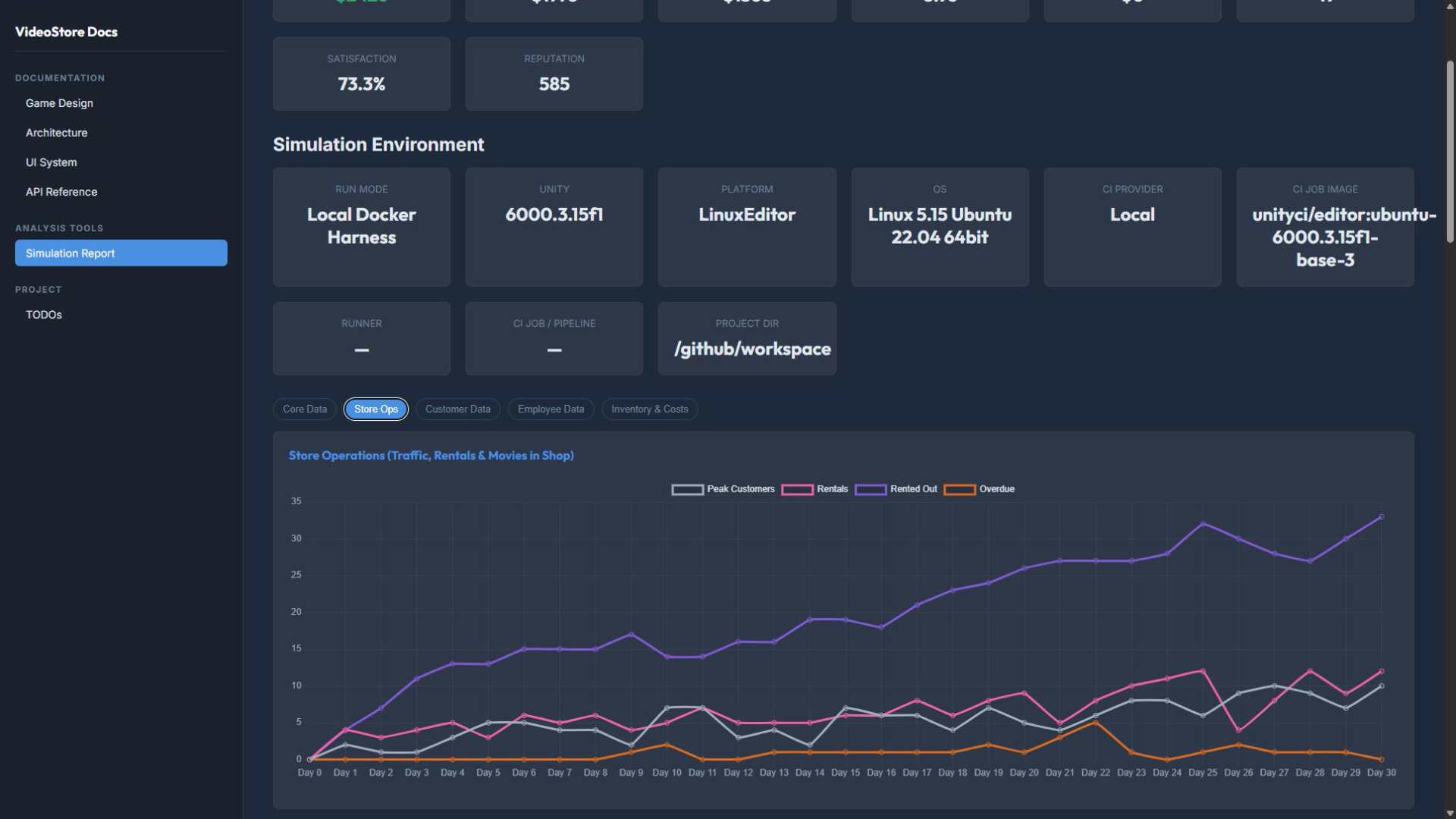
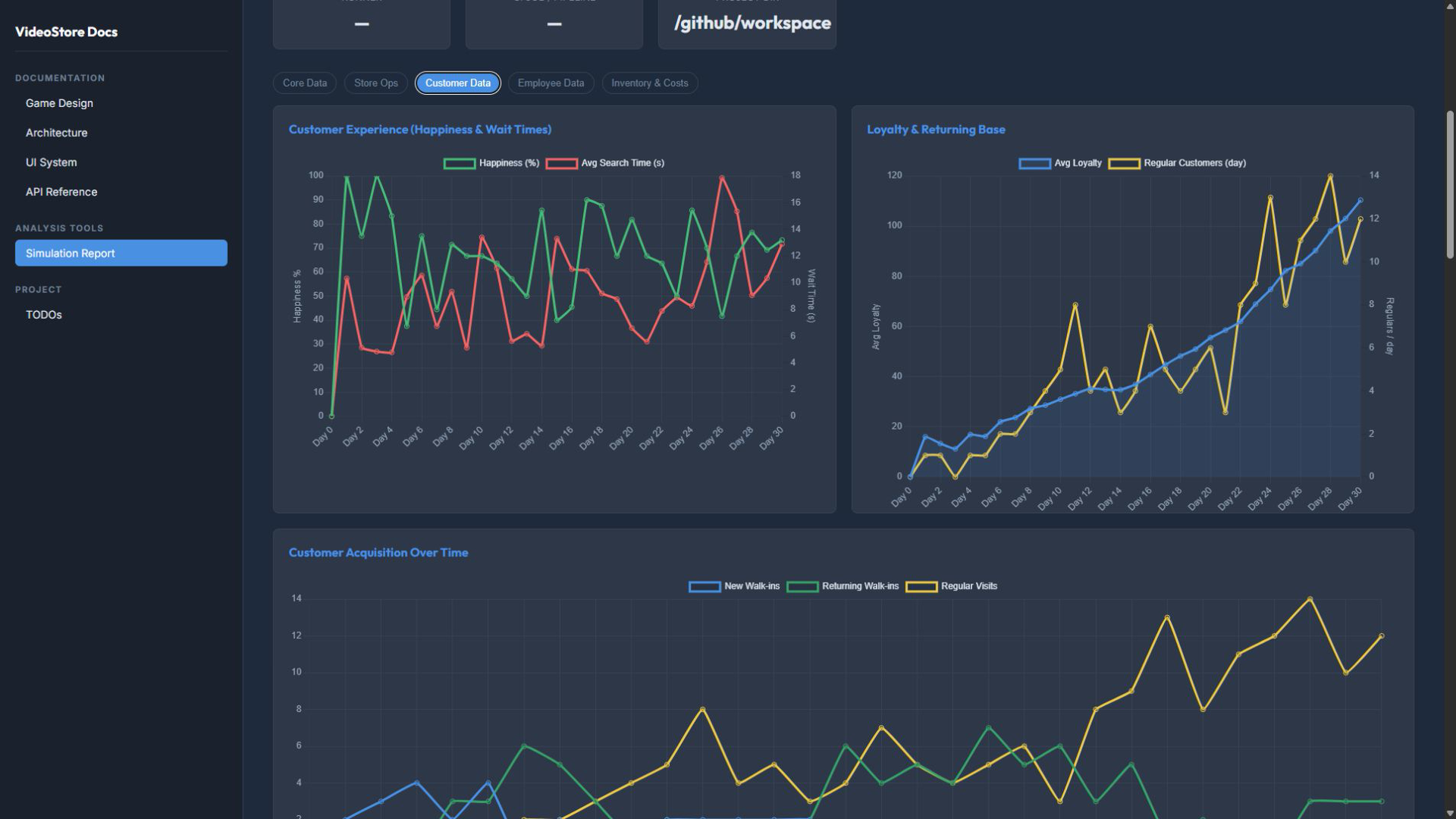
- Services update store state such as inventory, finances, queues, and customer experience.
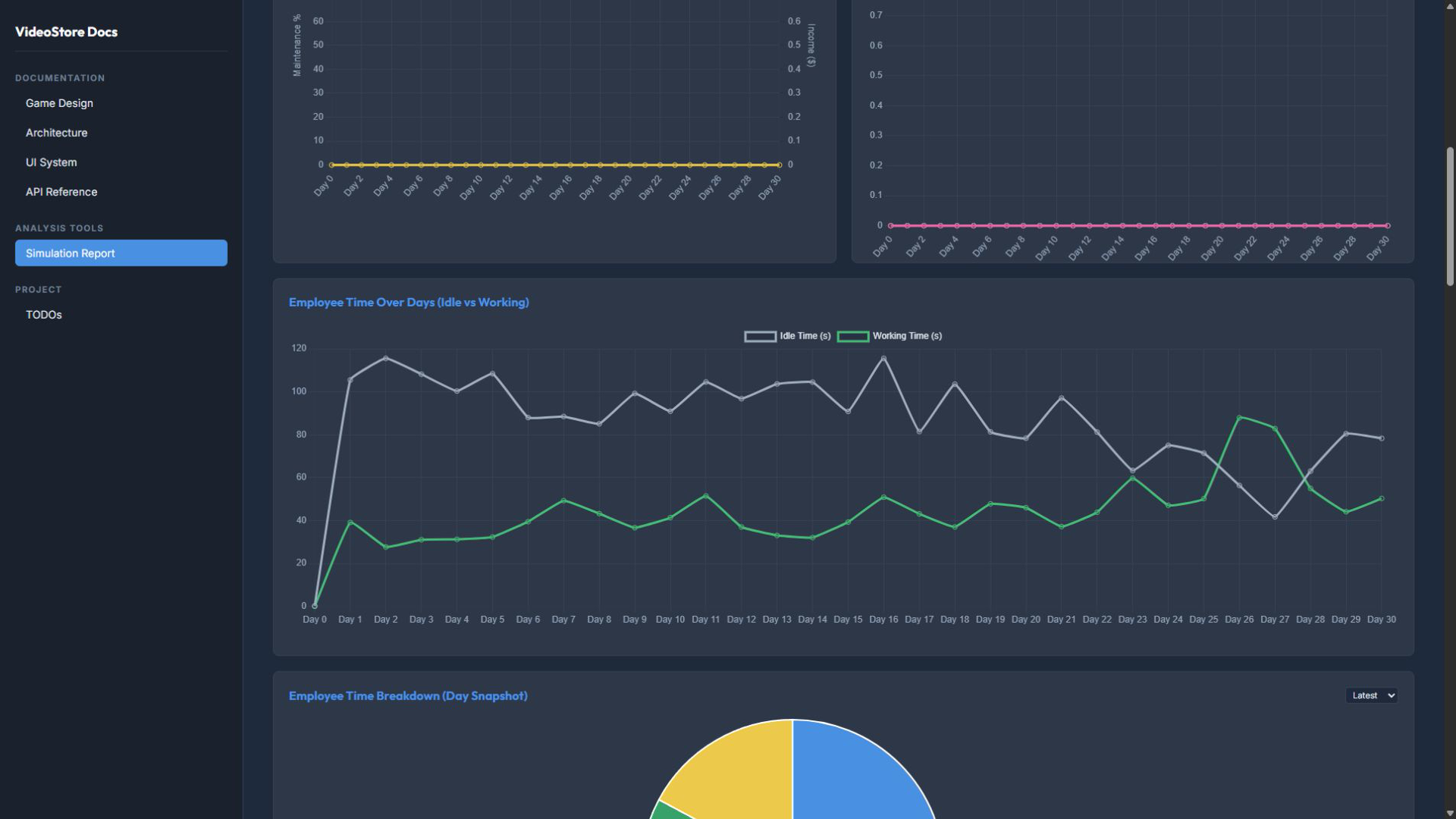
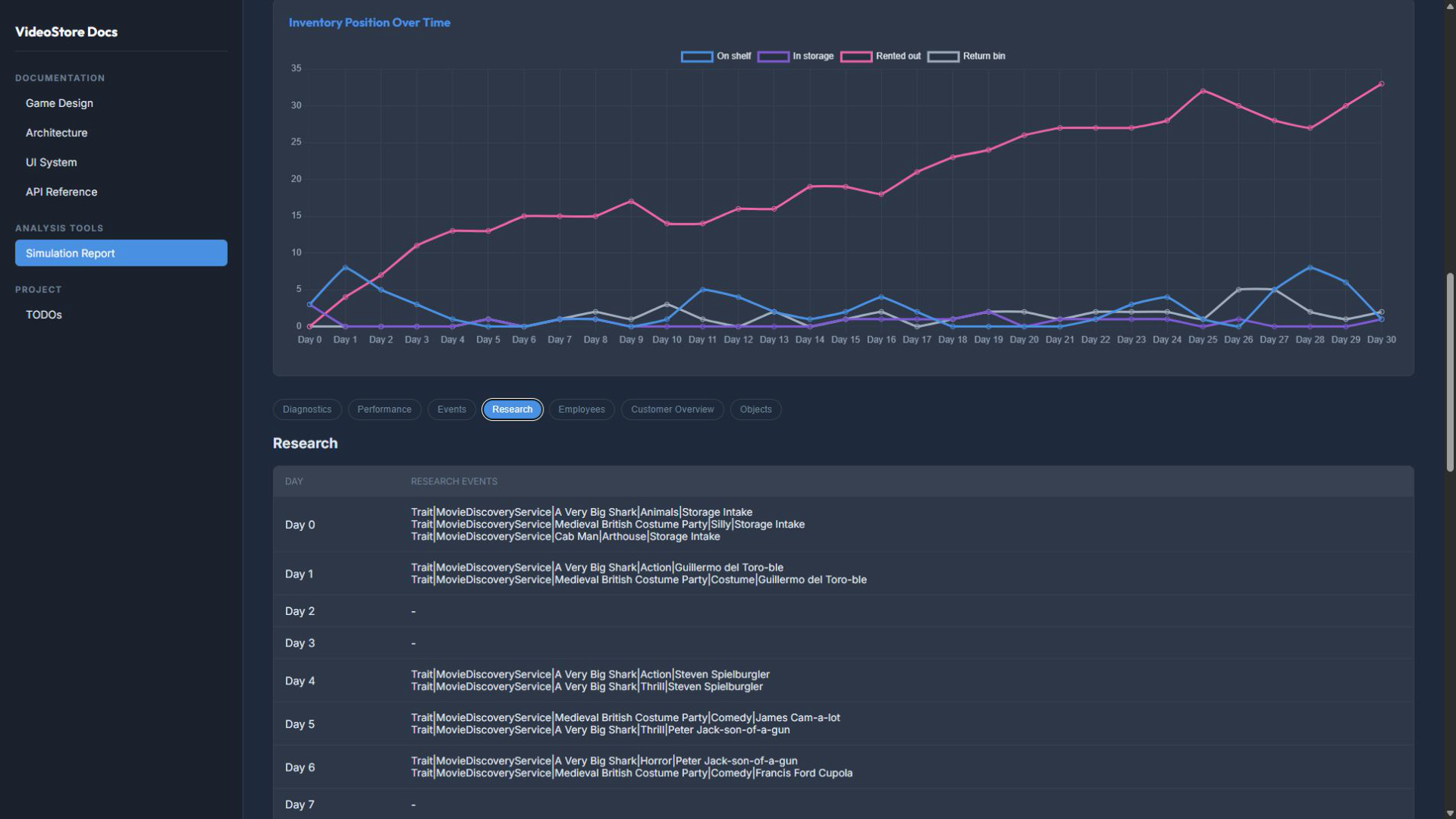
- Reports and history record what happened.
- Persistence can save the state as separate, versioned domain slices.
Testing the boundaries⌗
Testing is part of the architecture rather than a final check added after the systems were built. Pure rules, persistence contracts, calendar logic, and strategy decisions belong in fast EditMode tests. Unity lifecycle behavior, scene wiring, real input, UI composition, and cross-service workflows belong in PlayMode tests. The longer-running simulation is exercised explicitly instead of being hidden inside every ordinary PlayMode run.
The test harness also has to control the environment around each test. TestWorldScope owns the contexts, clock state, hierarchy cleanup, preferences, and static reset needed to keep one scenario from contaminating the next one. The project also records deterministic seeds, checks for leaked Unity state, and exercises negative cases such as corrupt save data, invalid inventory boundaries, queue starvation, pause and resume behavior, day rollover, and failed bootstrap wiring.
What I am learning from the project⌗
Video Store Manager gives me a place to work through questions that also matter in production software:
- How much complexity can be kept behind narrow interfaces and explicit service boundaries?
- Which state should be live, which state should be historical, and which state should be derived for presentation?
- How do deterministic clocks, seeds, reports, and focused test scopes make a long-running system easier to debug?
- Which parts of the design are genuinely useful, and which parts are unnecessary abstraction?
Those questions connect this project to my web work as well. Matchpicks uses a very different runtime and stack, but the same underlying concerns appear in its composition root, service boundaries, data-ingestion pipeline, event handling, and layered tests. The implementations are different because a web application and a Unity simulation have different failure modes. The architectural goal is similar: make important dependencies and state transitions visible enough to reason about.
What comes next⌗
This introduction is the starting point for a small set of deeper articles. Planned follow-ups include:
- A full simulated day, from the clock and customer tasks to the final report.
- Typed task ledgers and explicit wait states for customer behavior.
- Testing Unity lifecycle code without relying on a green button or global state.
- Application and session contexts, bootstrap ordering, and dependency inversion in Unity.
- Persistence boundaries: how live store state becomes a versioned save file.
For now, the project is best understood as a working architecture and testing exercise with a playable direction. The code and documentation explain how it is held together.