Over the last months I’ve been working on Matchpicks, a web platform for creating and joining picking leagues around sports games.
The core idea is simple: instead of being tied to a single big league or a single sport, Matchpicks is built to support many small, custom leagues – perfect for niche sports and tight‑knit communities.
What it is⌗
Matchpicks focuses on a simple loop:
- Create a league.
- Invite players.
- Submit picks before the matches start.
- Score the results and keep the standings moving.
That sounds straightforward, but the interesting part is that the platform is meant to work for a lot of small leagues rather than one large, fixed competition. That means the system has to stay flexible around sports, seasons, and league-specific rules.
A few practical details⌗
Tech stack: React and TypeScript on the frontend, with a Node.js/Express backend.
Leagues & picks: Users can create their own leagues, invite friends, and submit picks for upcoming matches.
Multiple sports: The system is designed to handle different leagues and competition formats, so it can be reused for a variety of sports.
Origin story: The first real-world use case was European semi-professional and amateur American Football, where there are lots of smaller leagues but very few tools to run structured prediction games around them.
Current screens⌗
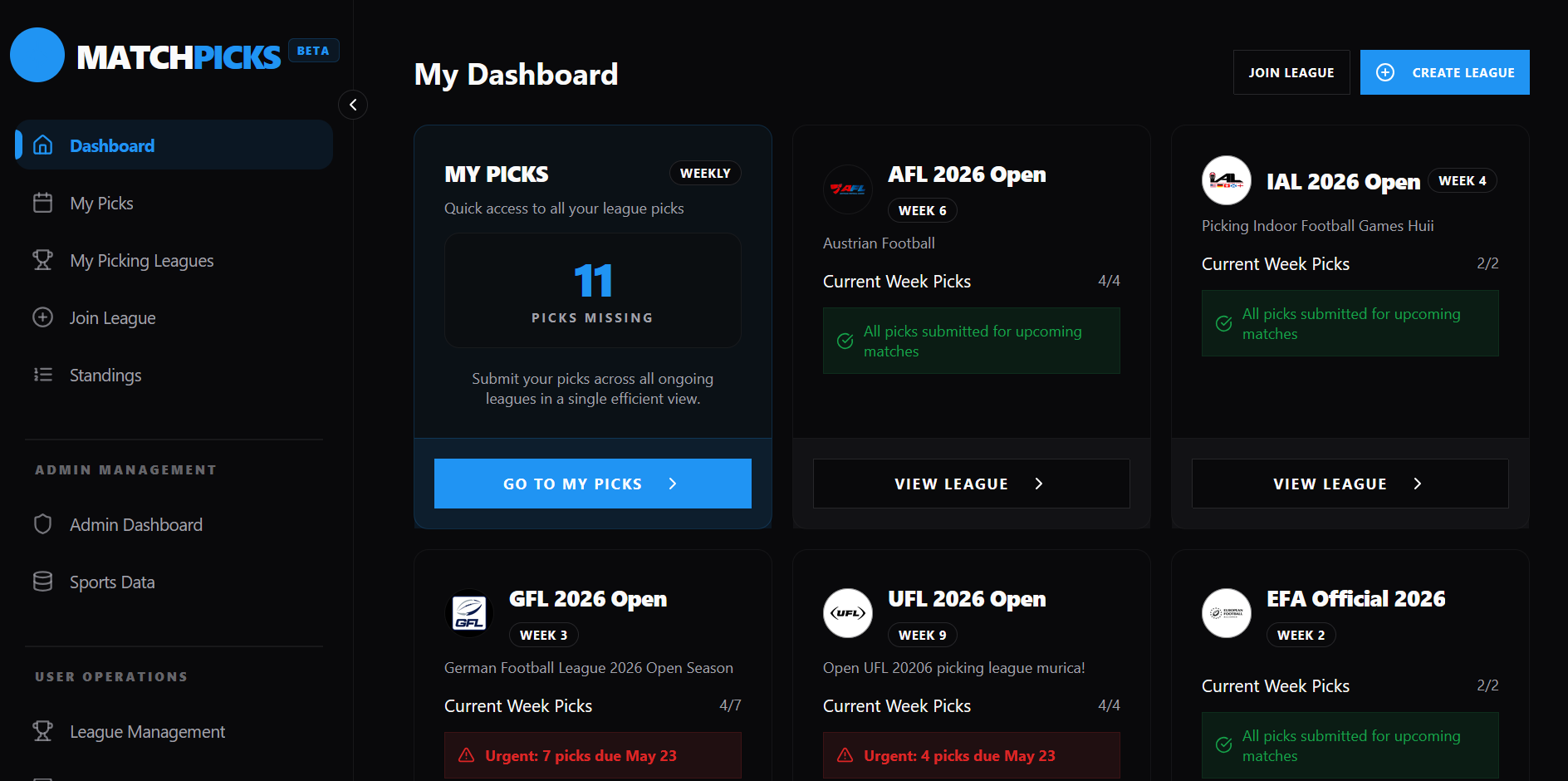
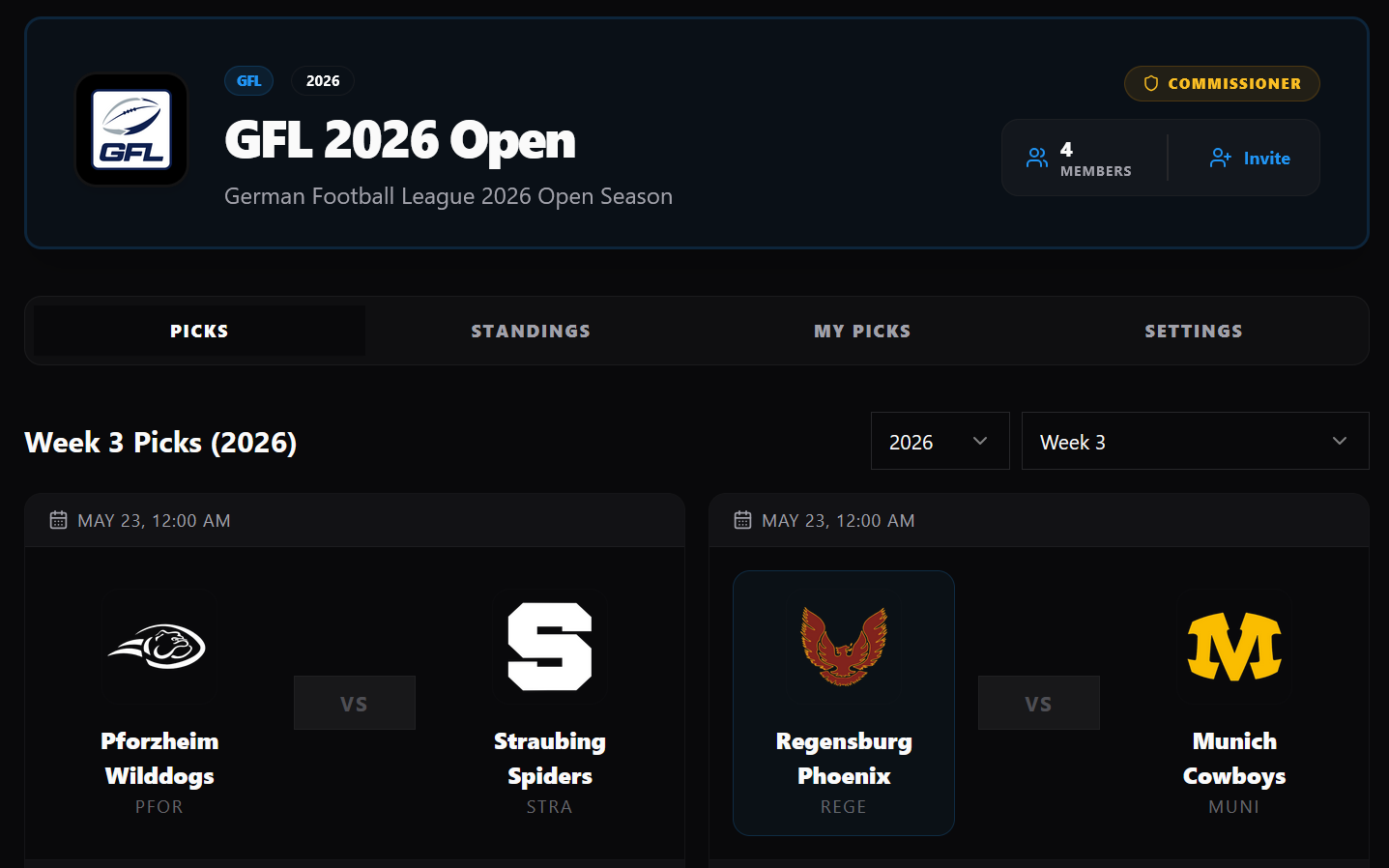
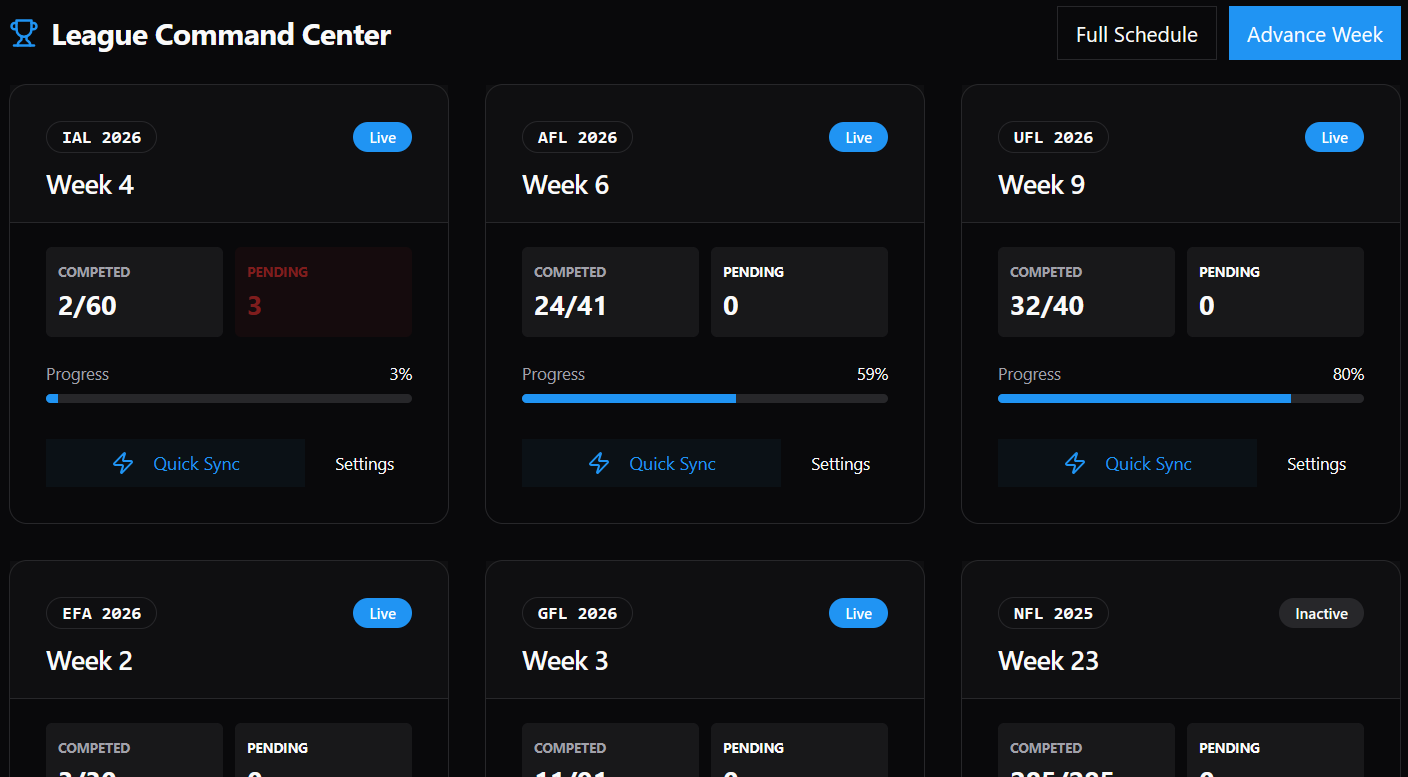
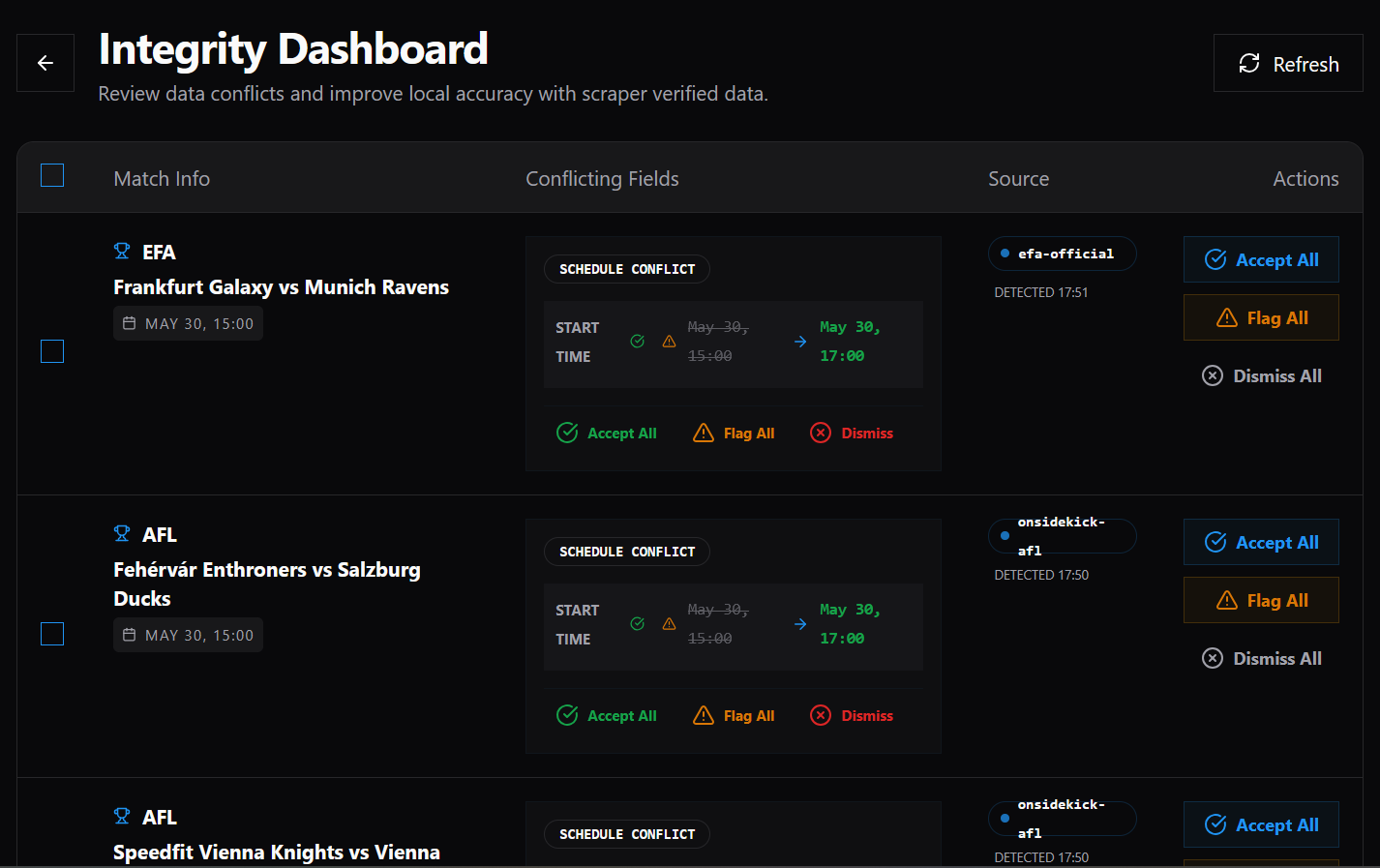
The screenshots below show the current state of the main flows I use most often.
League detail view⌗
This is the league workspace where players move between picks, standings, my picks, and settings.
League command center⌗
This is the operational view for keeping leagues moving.
Integrity dashboard⌗
This is where I review conflicting data and decide what to accept, flag, or dismiss.
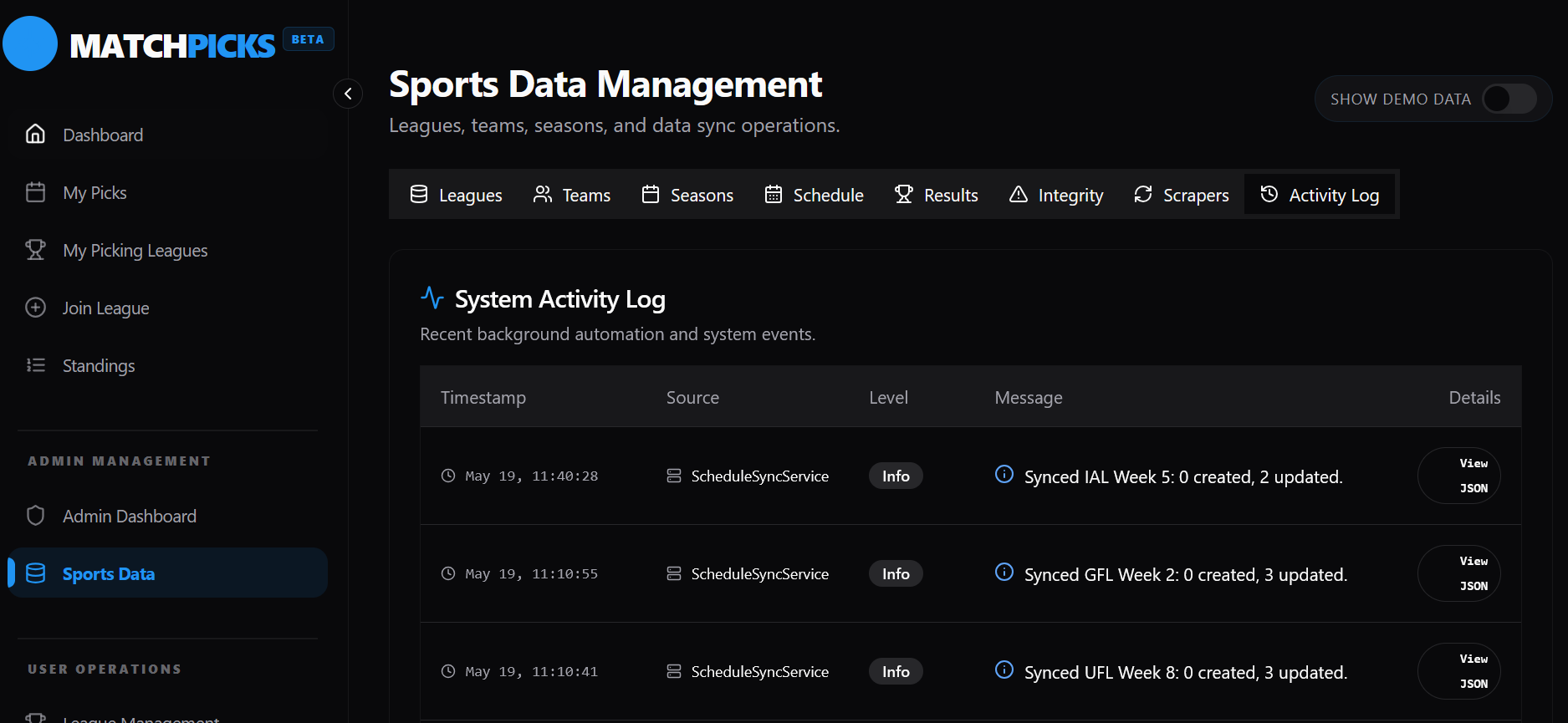
Sports data management⌗
This is the section for managing leagues, seasons, schedules, results, and sync activity.
What I wanted from it⌗
The initial goal was to prototype the core functionality and get a better feel for a modern web stack after spending most of my time in Unity/C# for a while.
As the project evolved, it also became a place to think through architecture in this context bit by bit and try out different solutions without starting from scratch every time.
That is why the platform was built around a straightforward data model, a frontend that can grow with the feature set, and enough structure in the backend to support additional sports and league types later.
There is still plenty to refine, both in UX and in feature depth, but the current version already supports the main loop: create a league, join as a player, and submit weekly picks.